



In closed testing · launching Q1 2027
Upload once. Publish everywhere.
Selfpost posts your videos to Instagram, TikTok and YouTube at the time you pick. Then it shows you how each one did, all in one place.
Posts toInstagramTikTokYouTube
The Selfpost loop: upload, review, publish, results
Sample figures
What is Selfpost?
Selfpost is for anyone who makes short videos and posts them in more than one place. Instead of uploading, captioning and checking the numbers three times, in three apps, you do it once, in one place. That leaves more of your week for making the videos.
On your own
You film, edit and post yourself. Plan the week's videos in one sitting, and Selfpost posts them while you're busy making the next one.
Selfpost for creatorsWith your editors
Your editor uploads the finished cut. You watch it, approve it, and it goes out. Everyone works from the same calendar.
Selfpost for teamsFor your clients
Every client gets their own workspace. They approve videos from a link, posts go out on their own accounts, and your reports carry your agency's name.
Selfpost for agencies
Three plans to match: Individual, Pro and Max.
Compare plansHow it works
From the finished video to the numbers, in four steps.
Upload your video
Add the finished video once. Write a caption and fill in what each platform asks for, like a title for YouTube.
Get the OK, if you like
Send a link to your client or your team. They watch the video and approve it, no account needed.
Pick a day and time
Put it on the calendar. Selfpost posts it to Instagram, TikTok and YouTube right on time.
See how it did
Afterwards the views come back to Selfpost on their own, so you can see what worked and plan the next video.
Upload one file. Get a Reel, a TikTok and a Short.
Instagram calls it a Reel, TikTok a video, YouTube a Short. In Selfpost it's one upload. You write the caption once and change it where a platform needs something different, like a YouTube title or who can watch on TikTok.
Get the OK before it goes out.
Before anything goes live, you can send it to someone for a look. They leave notes right on the second they mean, then approve it or ask for changes, and you see their answer straight away.
Your client watches and approves from a link. No account needed.
Schedule a month of posts in one sitting.
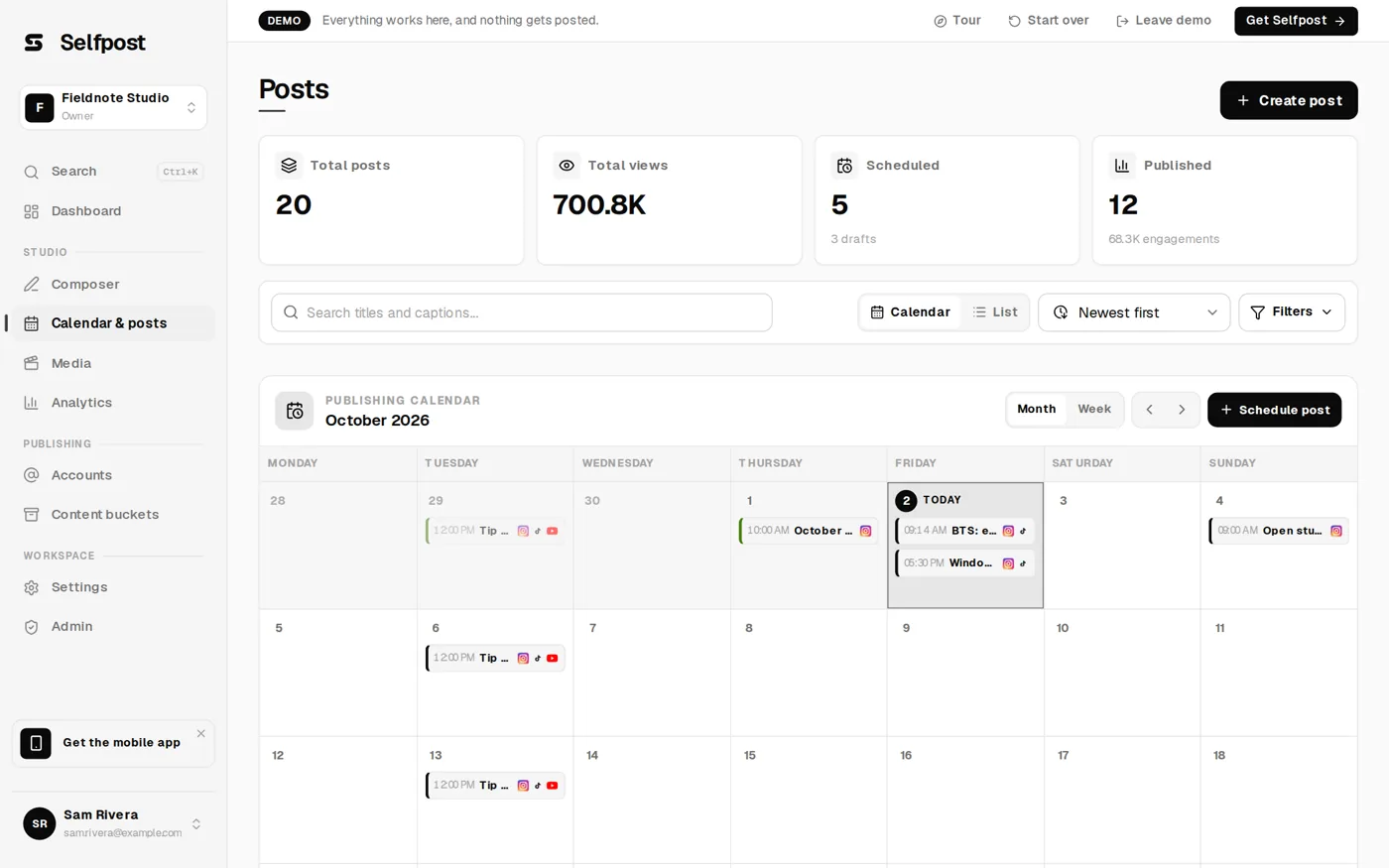
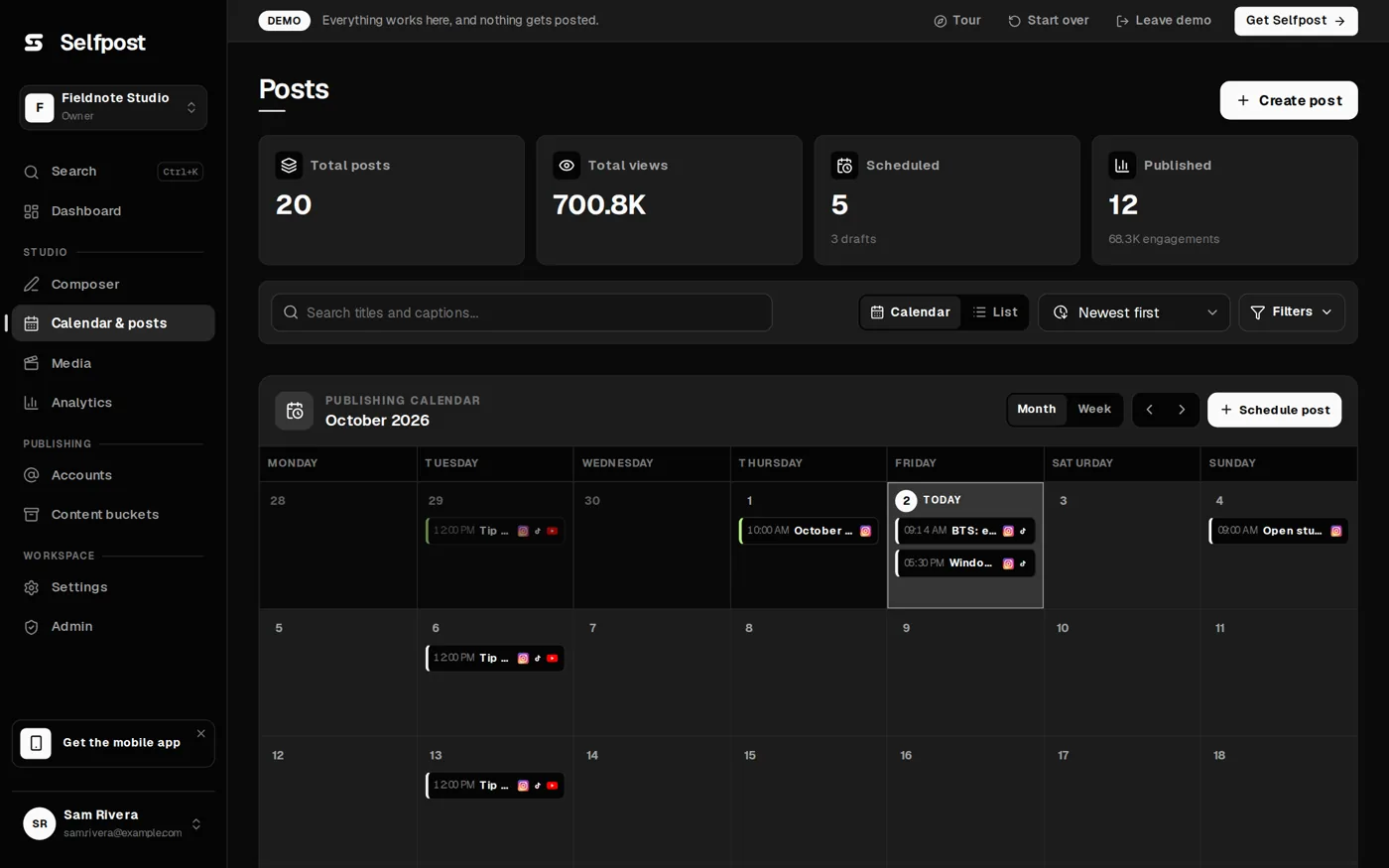
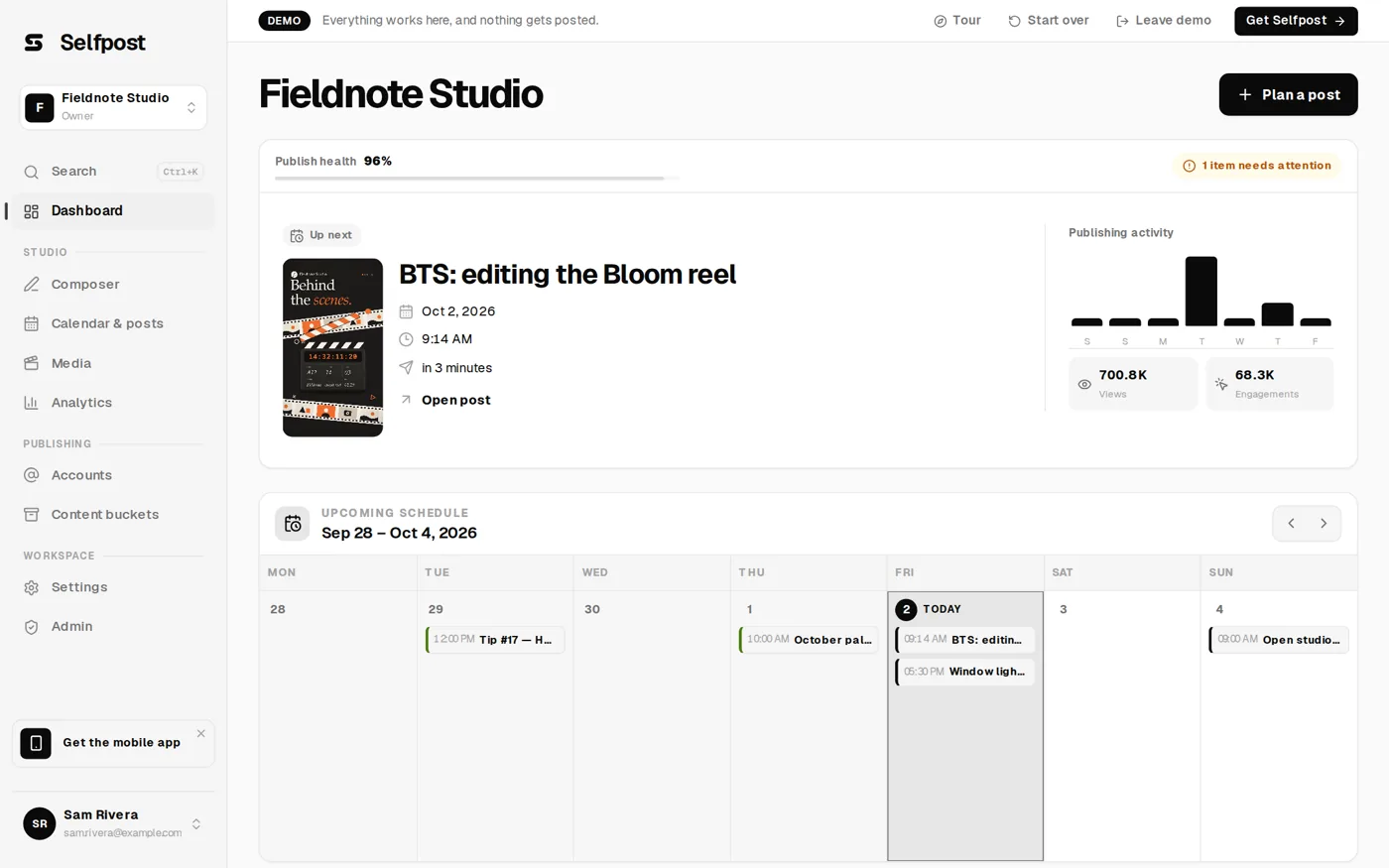
Sit down once and plan the whole month. Put each video on a day and a time, and Selfpost posts it then, whether you're at your desk or not. The calendar shows everything that's coming up, on every platform.
Posted for you, right on time.
At the time you picked, Selfpost hands the video to Instagram, TikTok and YouTube through their official connections. A post only shows as published once the platform has confirmed it, so you always know what's really live.
See how it did on every platform, side by side.
Views from Instagram, TikTok and YouTube sit next to each other on one board. You see at a glance which platform and which video did best, without opening three apps.
Approve, post and check results from your phone.
Selfpost works on your phone too. Add it to your home screen straight from the browser, then approve a video, see what's going out today or check this week's views, wherever you are.
Automate the routine with your AI.
Hand the routine to the AI assistant you already use, like Claude or ChatGPT. Ask it to prepare this week's videos or to sum up last week's results. It gets everything ready in Selfpost, and you send it out with one click.
Ready at launchWhat's inside Selfpost.
Composer
Write the caption once, then adjust it and each platform's settings where needed.
Preflight checks
Every post is checked against the platform's rules before it's scheduled.
Calendar
Every post on every platform, laid out by day and time.
Media library
All your videos and images in one place, ready to use again.
Analytics
Views and your best posts, platform by platform.
Content buckets
A fixed slot for a series, like Tip Tuesday. Add a finished post and it takes the next free spot.
Workspaces & review
One workspace per client. Invite your team and give everyone the right role.
Approval links
Share a folder with a client. They watch, approve or ask for changes, without an account.
Your accounts, in good hands.
- You choose every setting.
Selfpost never guesses settings like who can watch your TikTok. You pick them.
- Real numbers only.
Every figure comes straight from the platform. If a platform doesn't share one, Selfpost says so instead of showing a zero.
- Checked before it's scheduled.
Format, account and settings are checked before a post lands on the calendar.
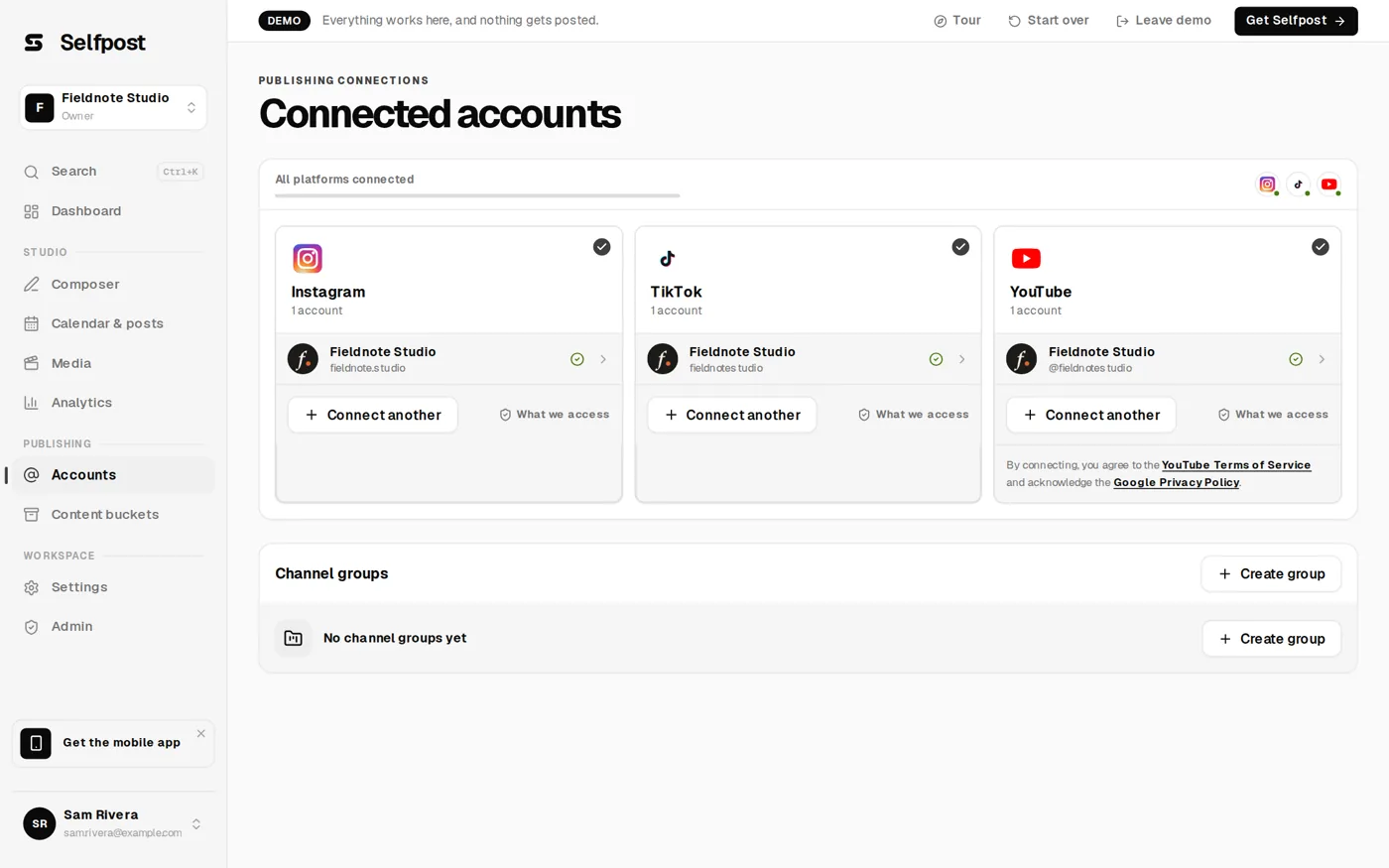
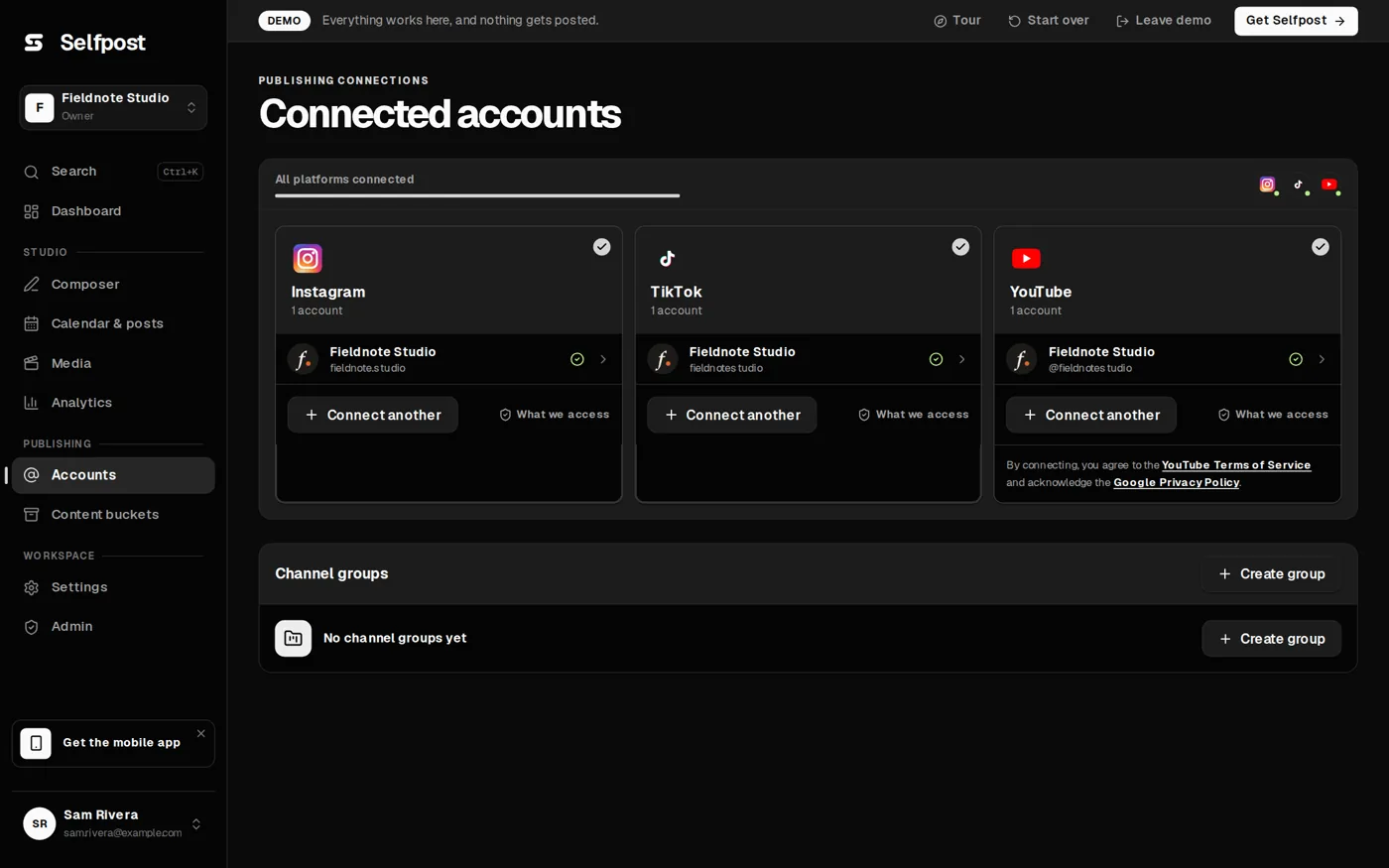
- Sign in with each platform.
You connect each account through the platform's own sign-in. Selfpost never sees your password.
Good to know.
Can I create an account now?
Not on your own yet. Selfpost is in closed testing, and we invite people from the waitlist in small groups. If you've been invited, you sign in as usual.
When does Selfpost launch?
Public launch is planned for the first quarter of 2027. Until then we are testing with a small group, and everyone on the waitlist hears first.
Which platforms does Selfpost post to?
Instagram, TikTok and YouTube. You connect your accounts once, and each post can go to one, two or all three.
How does it work, step by step?
You upload a video once and, if you like, send it to your client or team for approval. Then you pick a day and time, and Selfpost posts it to Instagram, TikTok and YouTube. Afterwards you see the results from all three in one place.
Do my clients need an account to approve a video?
No. They open the link you send them, watch the video and approve it or ask for changes. That's all.
Can I post images too, or only videos?
Both. Selfpost is made for short videos, and you can schedule image posts as well.
Does Selfpost check a post before it goes out?
Yes. Before a post is scheduled, Selfpost checks the file format, the account connection and the settings each platform needs, and tells you if something is missing.